Every bill reported
Each sale goes to FBR right after it is saved, with its items, PCT codes, tax and payment mode.
Every bill reported to FBR right after it is saved, with FBR's invoice number and QR code on the receipt, and the queue keeps moving.
MartPOS is FBR integrated POS software for kiryana stores, general stores and mini marts. When FBR asks your shop to integrate its point of sale, MartPOS reports every sale to FBR's POS system, run by PRAL, right after the bill is saved, prints FBR's invoice number and its QR code on the customer's receipt, and sends returns as credit notes against the original invoice. It works through FBR's online API or FBR's Fiscal Component on the store PC.
The counter never waits long on FBR. The sale is saved first, and the bill waits at most a few seconds for FBR's answer. If the internet or FBR is down, the receipt prints as an offline invoice and MartPOS sends it automatically as soon as FBR can be reached. The feature is optional: a shop that does not need it leaves it off, and nothing changes. The help centre's FBR POS integration guide walks through every setting.
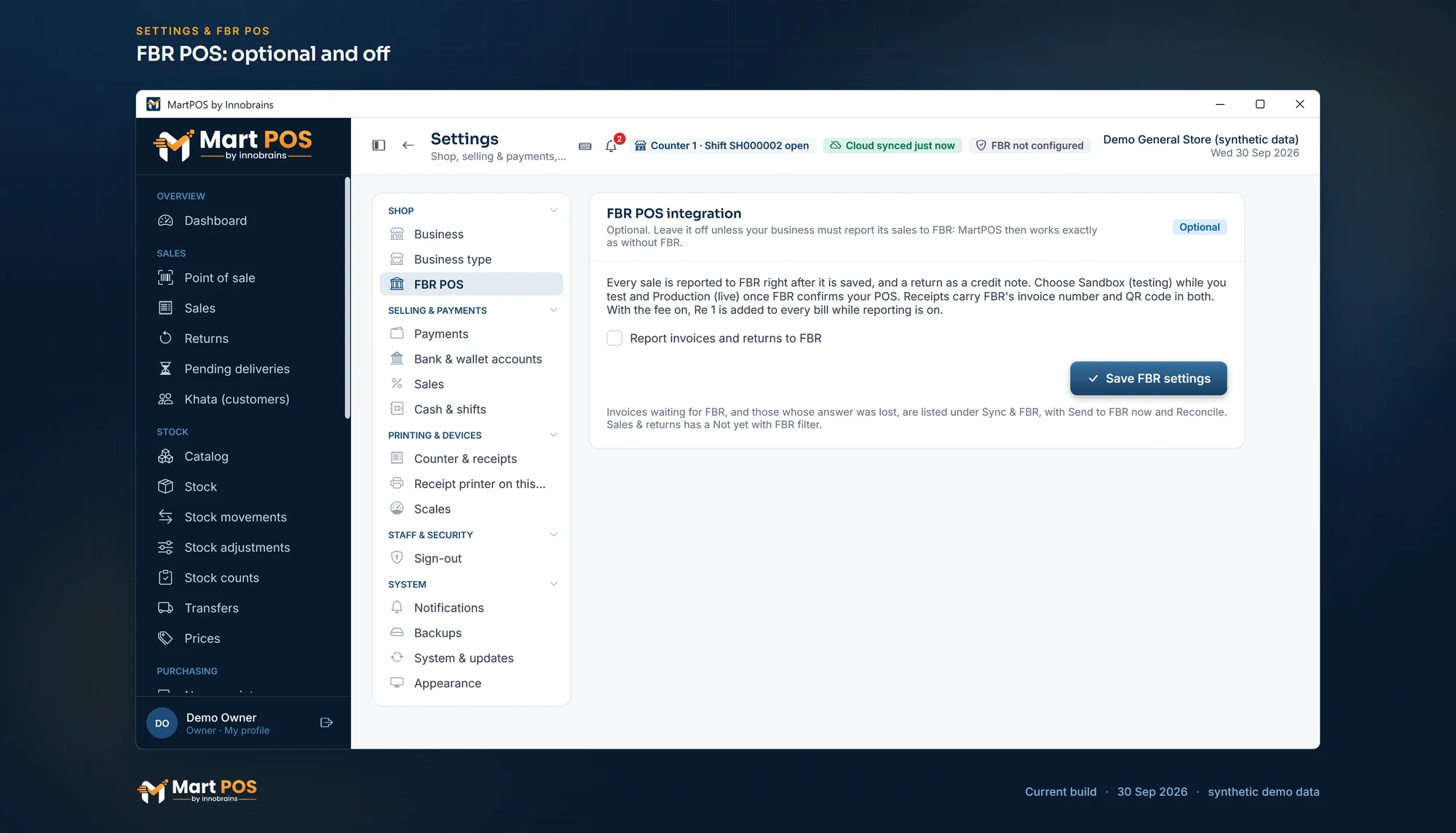 Open the full-size screenshot
 Each sale goes to FBR right after it is saved, with its items, PCT codes, tax and payment mode.
Receipts print the FBR invoice number, its QR code, your NTN, STRN and FBR POS ID, and FBR's Tax Asaan verification line.
No internet? The bill is saved and printed as an offline invoice, then sent again automatically, oldest first, until FBR has it.
A return is reported against the original invoice, once FBR has the sale.
Added after the bill total when you switch it on, printed on its own line, and kept out of your sales and profit.
A tax rate on each item, a default PCT code in Settings, and an item's own PCT code or Third Schedule mark where your adviser says so.
The bill waits a few seconds at most for FBR. If FBR just failed to answer, the next bills skip the wait for about two minutes.
Off by default: no fee, no FBR lines and no FBR fields until you switch it on.
Each branch reports with its own FBR POS ID, and the owner portal shows how many of each branch's invoices are not with FBR yet.
You or your tax adviser register the outlet and its POS with FBR, and get a POS ID and an access token, or FBR's Fiscal Component.
On the store PC, in Settings › FBR POS, tick Report invoices and returns to FBR and enter the POS ID, the token and a default PCT code.
Give each item the tax rate your tax adviser gives you, and its own PCT code or Third Schedule mark where it differs.
Make a test bill in Sandbox and check the receipt, then switch the environment to Production.
MartPOS. When FBR asks your shop to integrate, it reports every sale and return to FBR right after the bill is saved and prints the FBR invoice number and QR code on the receipt, through FBR's online API or FBR's Fiscal Component. It is optional and stays off until you switch it on; how your shop must report is for your tax adviser to confirm.
Yes. MartPOS reports each sale and return to FBR, and prints the FBR invoice number and QR code on the receipt. It connects through FBR's online API or FBR's Fiscal Component on the store PC. It is optional: it stays off until you switch it on in Settings.
Tier-1 retailers, as FBR defines them. The criteria change with each budget, so check your status with FBR or your tax adviser. A shop that is not required to integrate can simply leave the feature off.
The sale is saved and the receipt prints as an offline invoice. MartPOS sends it to FBR automatically in the background, oldest first, until FBR has it. Nobody has to press anything.
Yes. You or your tax adviser register the outlet and its POS with FBR, then enter the POS ID and token on the store PC, or install FBR's Fiscal Component. MartPOS starts reporting once the settings are saved; it does not register you.
No. The POS service fee is added after the bill total and printed on its own line, but it is not counted as sales or profit: it is booked as owed to FBR.
No. MartPOS does not choose tax rates or PCT codes and does not register you with FBR. Confirm your obligations with FBR or your tax adviser.
The FBR access token is entered only on the store PC, stored there encrypted, and never sent to MartPOS Cloud.
We help you set it up on your store PC; registering with FBR stays with you or your tax adviser.